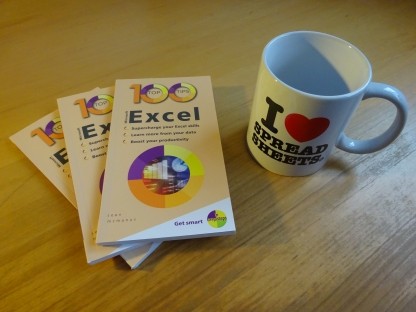
100 Top Tips: Microsoft Excel
Power up your Microsoft Excel skills with this powerful pocket-sized book of tips that will save you time and help you learn more from your spreadsheets.



02 March 2026
 One of the best things about Python is that there's a rich ecosystem of libraries you can use that enable you to do things like draw graphs, manipulate PDFs and download data. I put these libraries at the heart of my latest article for The Official Raspberry Pi Magazine, the cover feature about learning Python.
There have been many Python tutorials published over the years. My self-determined mission for this one was to get readers to interesting results quickly. Instead of comprehensively covering all the syntax, I wanted to demonstrate the key ideas and give readers some programs to tinker with. So, we start with a guess-the-year quiz game, which introduces input, loops, variables, lists, and conditional statements. Readers have a game they can customise for any theme, such as sports, music or films.
This leads into a set of short programs, each one demonstrating a different library. You'll see how to twinkle the LEDs on the Sense HAT, draw with the turtle, merge PDFs with PyPDF2, create graphs with matplotlib, watermark images using pillow, and generate colourful QR codes. My favourite program in the collection is one that looks up your carbon intensity using the requests module and the Carbon Intensity API.
When I was starting to learn programming on the Amstrad CPC 464 in the 80s, I picked up a lot by typing in programs from magazines, so I hope that these short examples will prove similarly instructive.
Some of them might also be useful to more experienced Python programmers who perhaps haven't come across these libraries before, or are inspired to extend one of their projects by adding graphs, carbon awareness or feedback though the Sense HAT.
You can read and download all the programs from the article, including enhanced versions of a couple of them.

 Find the magazine in your newsagent or order issue 163 of The Official Raspberry Pi magazine here.
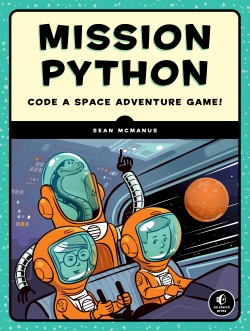
If you want to explore Python further, my book Mission Python shows you how to build a space adventure game, and my free ebook Coding Compendium includes my previous Python tutorials and projects.
I've also extended my Raspberry Pi and Python tutorials with an updated tutorial for the Python turtle, for those who want to explore that module further.
Permanent link for this post | Blog Home | Website Home | Email feedback

© Sean McManus. All rights reserved.
Visit www.sean.co.uk for free chapters from Sean's coding books (including Mission Python, Scratch Programming in Easy Steps and Coder Academy) and more!
Power up your Microsoft Excel skills with this powerful pocket-sized book of tips that will save you time and help you learn more from your spreadsheets.
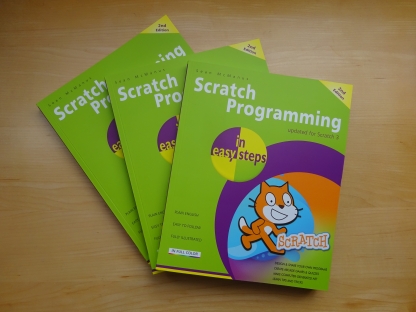
This book, now fully updated for Scratch 3, will take you from the basics of the Scratch language into the depths of its more advanced features. A great way to start programming.
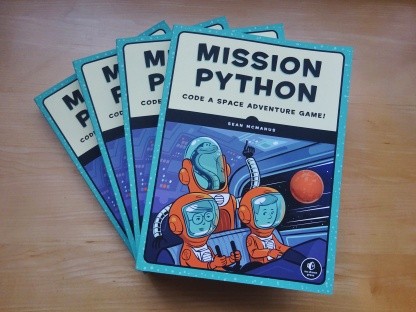
Code a space adventure game in this Python programming book published by No Starch Press.
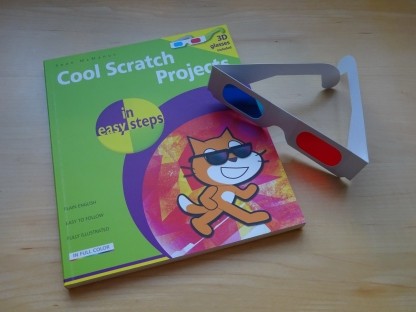
Discover how to make 3D games, create mazes, build a drum machine, make a game with cartoon animals and more!
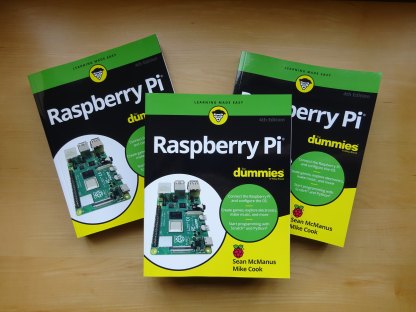
Set up your Raspberry Pi, then learn how to use the Linux command line, Scratch, Python, Sonic Pi, Minecraft and electronics projects with it.
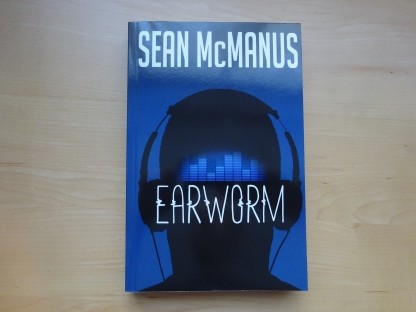
In this entertaining techno-thriller, Sean McManus takes a slice through the music industry: from the boardroom to the stage; from the studio to the record fair.
 Top | Search | Help | Privacy | Access Keys | Contact me
Home |
Newsletter |
Blog |
Copywriting Services |
Books |
Free book chapters |
Articles |
Music |
Photos |
Games |
Shop |
About