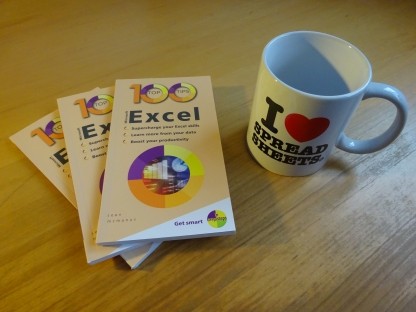
100 Top Tips: Microsoft Excel
Power up your Microsoft Excel skills with this powerful pocket-sized book of tips that will save you time and help you learn more from your spreadsheets.



26 January 2026
 This week, I went to BETT, the education technology show in London's Docklands. In 1988, long before the Excel Centre was built, I was on that spot for Jean-Michel Jarre's spectacular Destination Docklands. During the concert, images of cultural and technological revolution were projected onto the Millennium Mills building across the dock.
At BETT, the revolution that everybody was talking about was AI. Some companies were promoting it for administration and grading, with one asking "Are you still marking like it's 1995?". Others had products to help students learn about how AI works and how it can be used safely.
One session was called "Coding for Climate Action". It brought together three things I have a keen interest in: sustainability, AI, and micro:bits. If you're not familiar with the micro:bit, it's a small programmable device with a grid of LEDs, built-in sensors, and GPIO pins for connecting it to peripherals and electronics projects. I saw several micro:bit robots rolling around table tops on various booths.
To give you an idea of what the micro:bit can do, a 15-year old student from Hong Kong showed me his project on one of the booths. It was an assistant for the elderly, featuring a fall sensor, medication reminder, and games to keep the mind sharp. My free Coding Compendium book includes projects to make a pomodoro timer and use the micro:bit as a steering wheel in a Scratch game.
The Coding for Climate Action session, run by Matt Hewlett from charity Digitall, shared a series of lesson plans for years 4 to 8. Projects include logging temperature around the playground to show how trees help regulate temperature; a fitness tracker to start a conversation about how we can reduce the demand on healthcare, which is responsible for a lot of road emissions; and monitoring plant growth.
At the start of the session, we were given a micro:bit and challenged to work out how to make it display a skull image. I was familiar with the device, so I tried tilting it and pushing its buttons in various combinations, but nothing worked. The answer was to whirl it around like the arm movement of a cricket bowler but without letting go. Matt's nine-year-old son had used machine learning to program the micro:bit to recognise that gesture.
Matt demonstrated CreateAI, which enables you to train the micro:bit to recognise custom movements using its combination of sensors. In one of the projects in Coding for Climate Action, students use CreateAI to train their micro:bit to recognise a landslide in what Matt says is their most popular lesson. There's also a project to track storm movements.
The CreateAI training works by recording sensor movements as you perform the gesture you want to recognise. You provide several sample movements to increase the accuracy when the software attempts to recognise the movement later. This process enables your programs to respond to nuanced and sophisticated movements that you couldn't describe in a human-authored program, far beyond the relatively simple x, y, and z axis movements you can easily detect.
One of the best features of the micro:bit is the built-in communication, so Matt demonstrated how we could all move our devices to simulate gentle or extreme winds, and the data can be collected centrally and shown on a map with each micro:bit channel representing a location.
It was good to see the conversation around AI expand beyond ChatGPT and similar generative AI tools, and into machine learning which is widely used in academic and industrial applications. I think an understanding of machine learning also helps to understand how generative AI works, so it's a great starting point for AI education. While AI (especially generative AI) is contributing to the climate crisis because of its intensive energy use, I don't think this application of machine learning is hugely demanding of energy or resources. I'll be looking at whether I can use some of these projects in my Code Club.
Download the Coding for Climate Action projects, including lesson plans and mappings to the National Curriculum, here. You can also download my free Coding Compendium, including two micro:bit projects, and check out my Raspberry Pi and Python tutorials.
Permanent link for this post | Blog Home | Website Home | Email feedback

© Sean McManus. All rights reserved.
Visit www.sean.co.uk for free chapters from Sean's coding books (including Mission Python, Scratch Programming in Easy Steps and Coder Academy) and more!
Power up your Microsoft Excel skills with this powerful pocket-sized book of tips that will save you time and help you learn more from your spreadsheets.
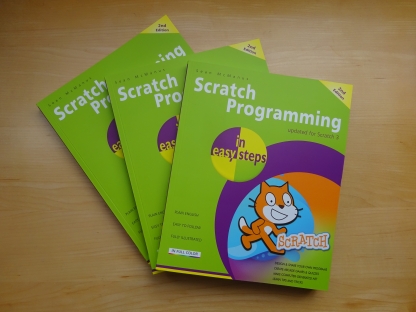
This book, now fully updated for Scratch 3, will take you from the basics of the Scratch language into the depths of its more advanced features. A great way to start programming.
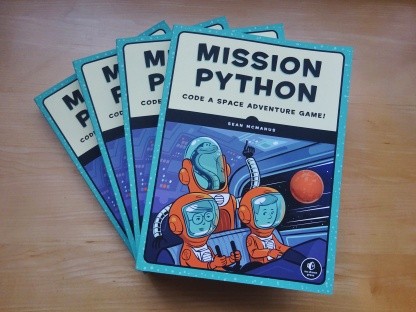
Code a space adventure game in this Python programming book published by No Starch Press.
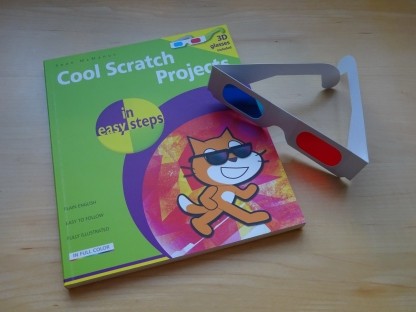
Discover how to make 3D games, create mazes, build a drum machine, make a game with cartoon animals and more!
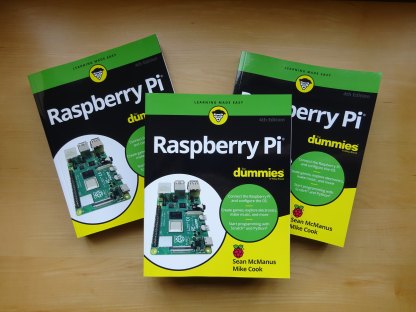
Set up your Raspberry Pi, then learn how to use the Linux command line, Scratch, Python, Sonic Pi, Minecraft and electronics projects with it.
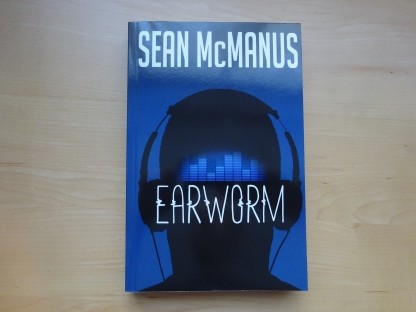
In this entertaining techno-thriller, Sean McManus takes a slice through the music industry: from the boardroom to the stage; from the studio to the record fair.
 Top | Search | Help | Privacy | Access Keys | Contact me
Home |
Newsletter |
Blog |
Copywriting Services |
Books |
Free book chapters |
Articles |
Music |
Photos |
Games |
Shop |
About